How Pikolor works: photo to coloring page in 3 steps
No prompts, no design skills - take a photo, let the AI do the magic, then color on screen or on paper.
How does it work ?
Turn any photo into a coloring page with AI.
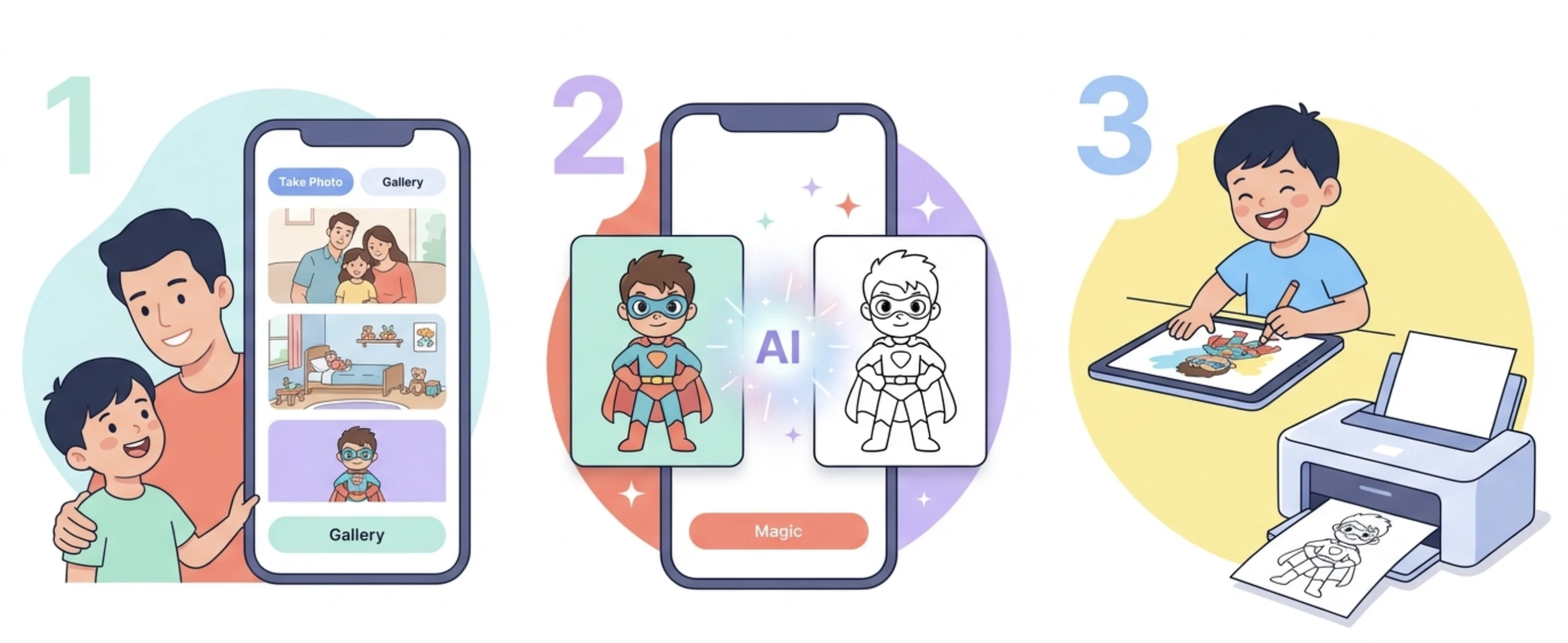
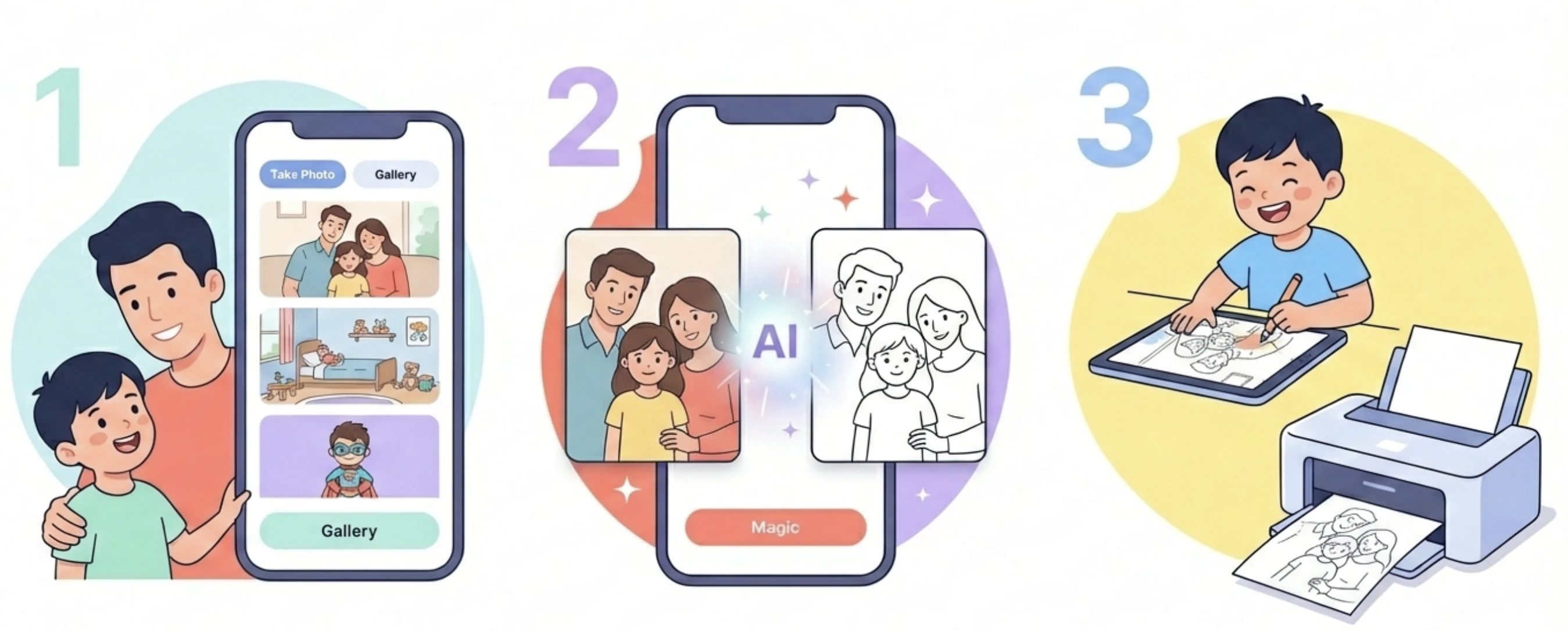
From photo to coloring page, explained
Converting a photo into a coloring page used to require graphic software or complicated AI prompts. Pikolor reduces it to one tap: choose a photo from your gallery or take a new one, pick one of the 30+ styles, and the AI generates clean, printable line art in a few seconds. There is nothing to configure and nothing to learn.
Behind the scenes, the AI does the hard work a simple photo filter cannot: it separates the subject from the background, simplifies textures, and draws bold, closed outlines that are easy for small hands to color inside. Choose a simple style for young children, or a detailed one for older kids and adults who love intricate coloring.
The result is yours to enjoy however you like: color it in the app with the built-in tools, export it in high definition, or print it as many times as you want. Many families print several copies of the same page so everyone can color their own version - a birthday party favorite!

Download Pikolor
Join thousands of little artists and transform your favorite photos into magical coloring pages!